> For the complete documentation index, see [llms.txt](https://rex-studio.gitbook.io/rex-studio-docs/llms.txt). Markdown versions of documentation pages are available by appending `.md` to page URLs; this page is available as [Markdown](https://rex-studio.gitbook.io/rex-studio-docs/redm-script/guide-book.md).
# GUIDE BOOK
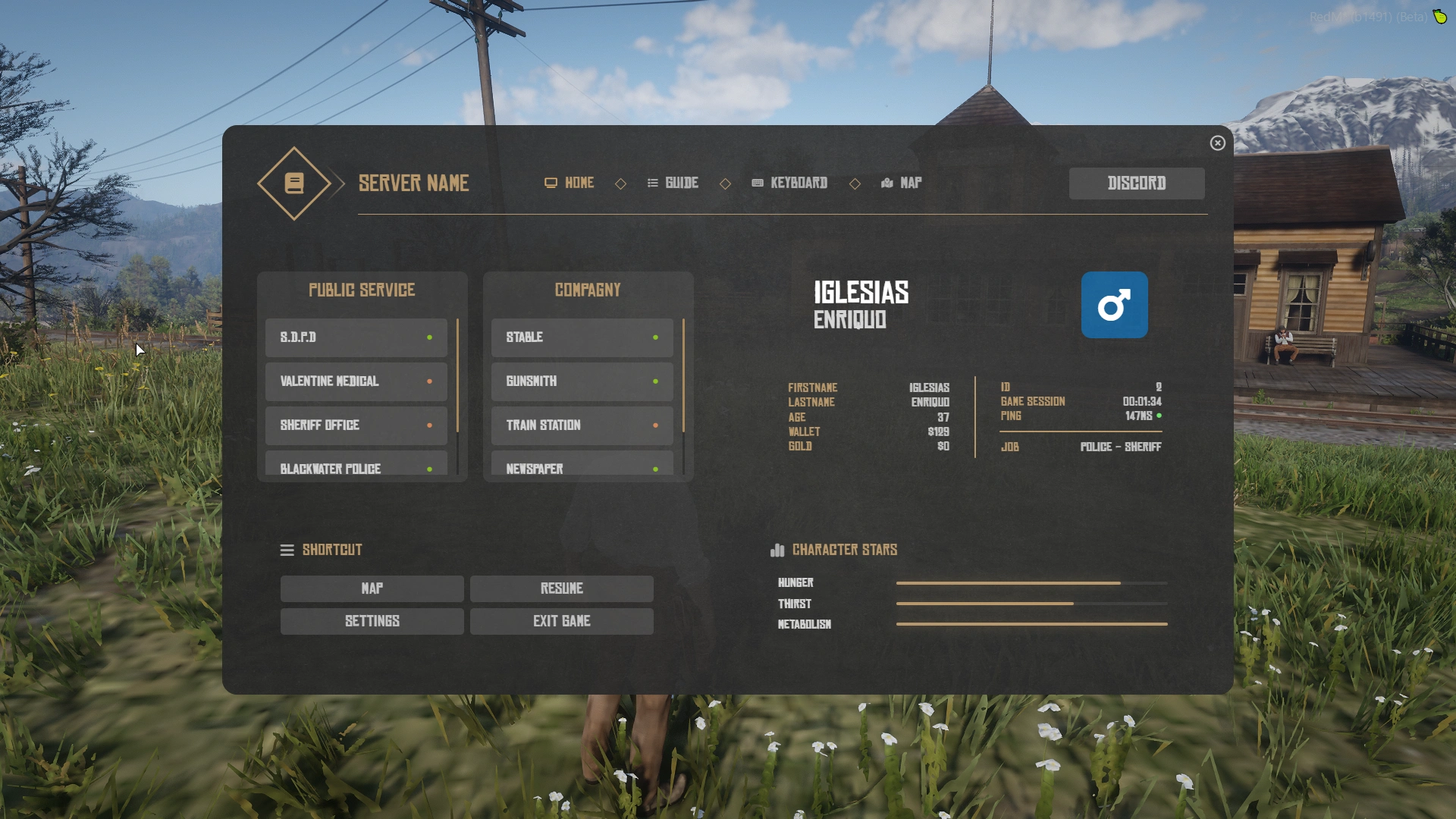
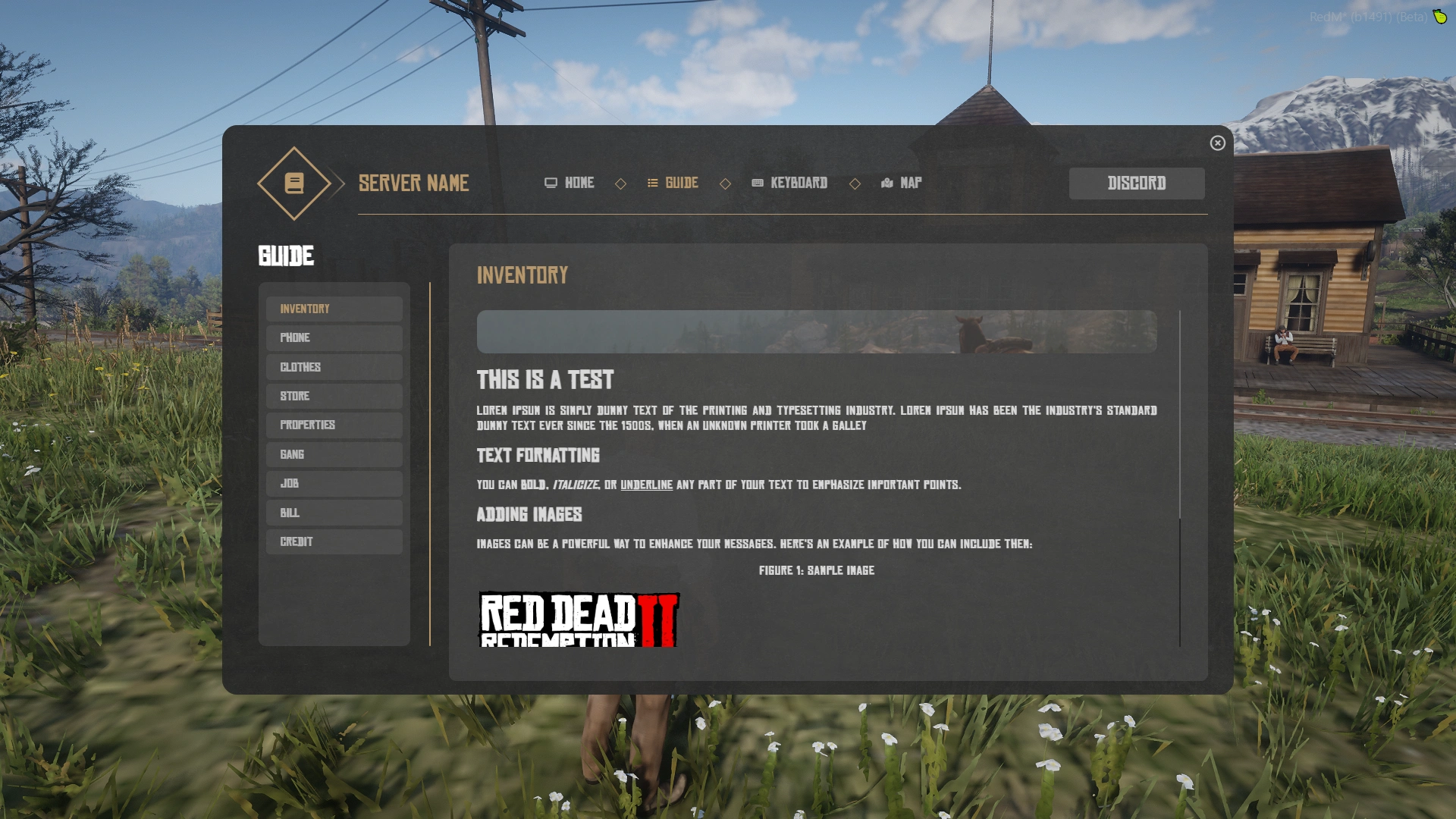
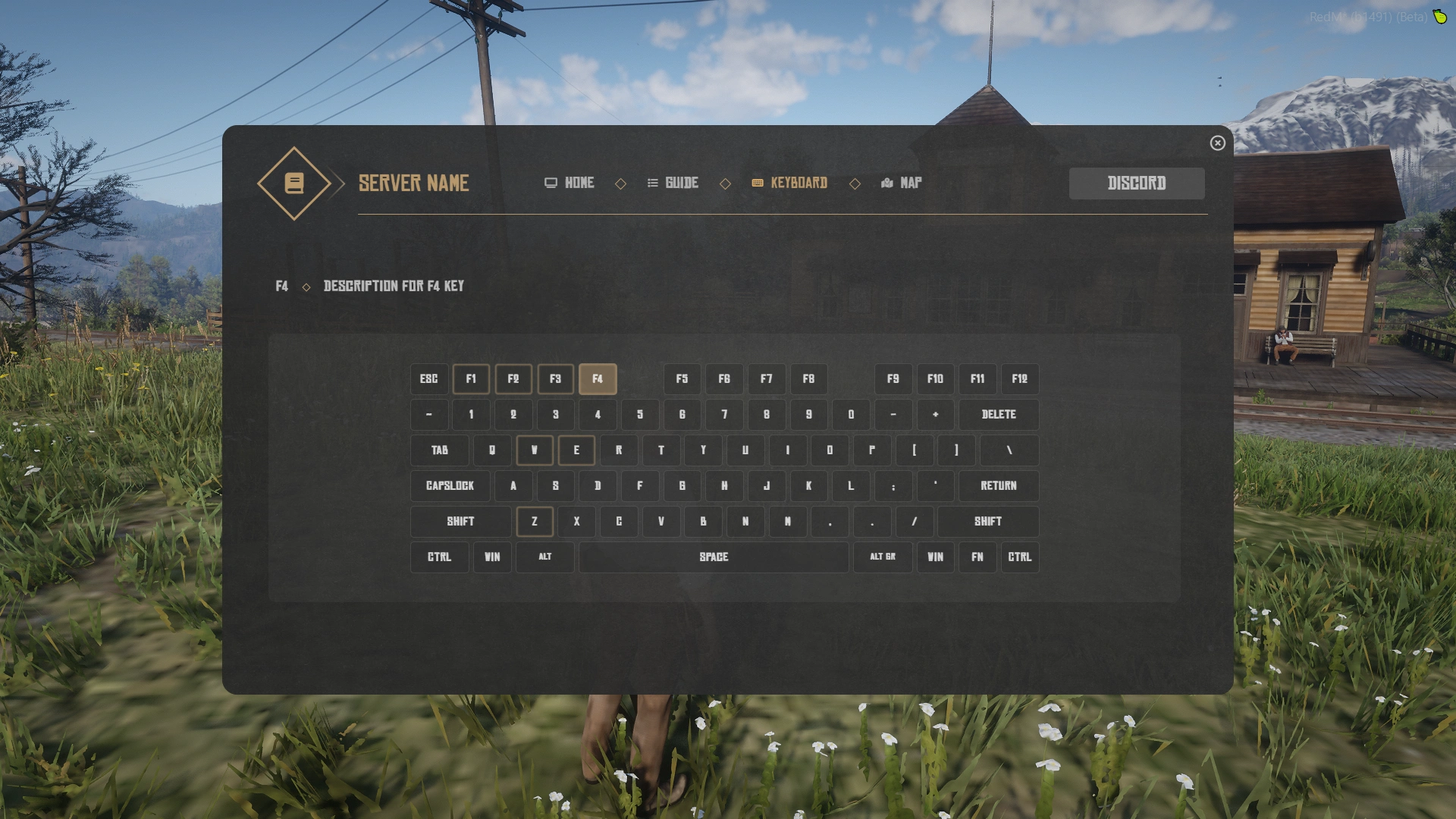
Interactive guide system for RedM servers. Allows players to access a guide menu from designated locations (offices) on the map, displaying player information, server resources, and GPS waypoints.
### Features
* **Interactive Guide Menu**: Accessible from designated office locations
* **Multiple Access Methods**: Open via key press (G), command, or usable item
* **Player Information**: Displays name, job, money, gold, hunger, thirst, metabolism
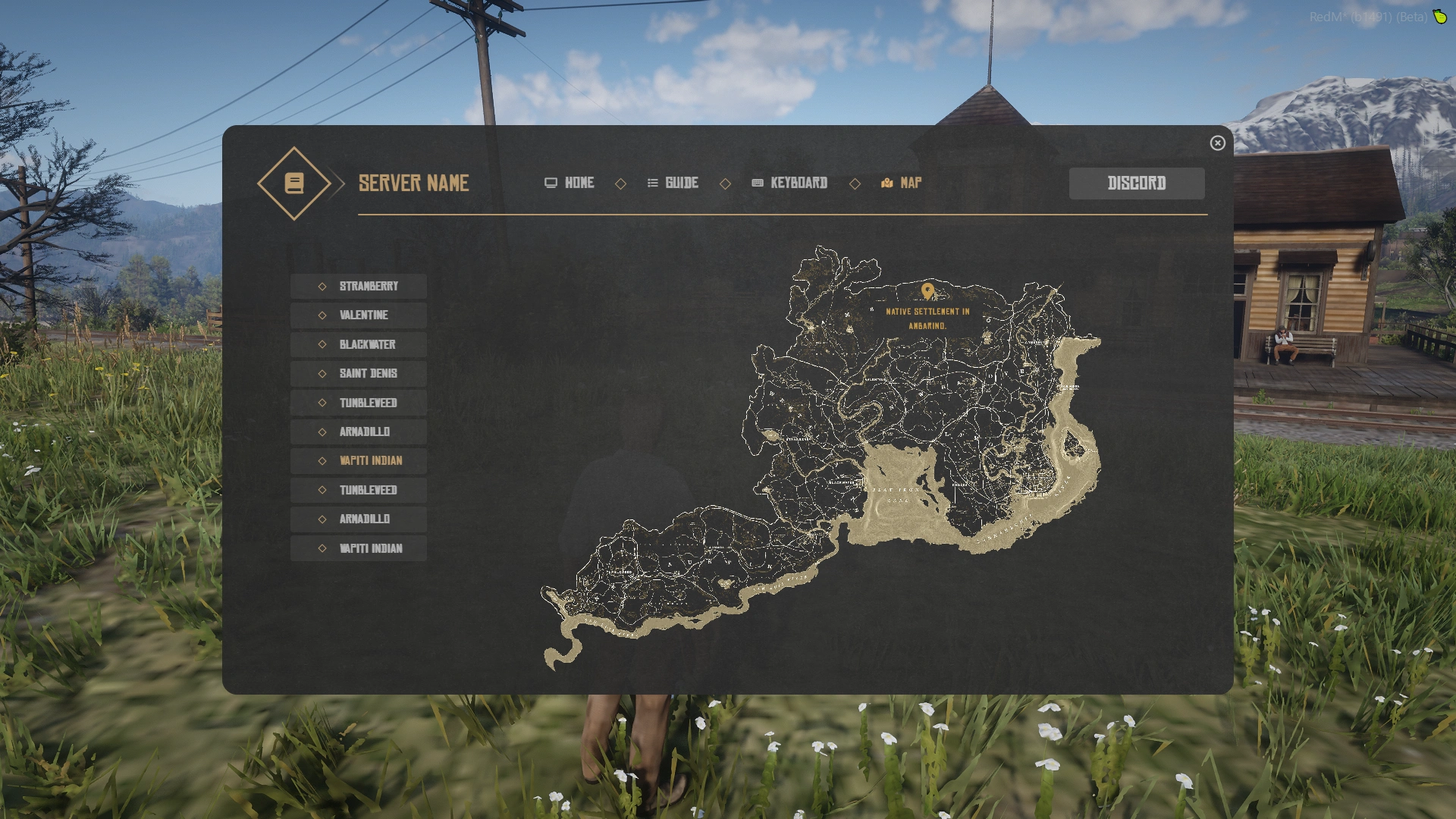
* **GPS Integration**: Add waypoints directly from the guide menu
* **NPC Support**: Optional NPCs at guide locations
* **Blip System**: Customizable map blips for guide locations
* **Core Support**: Compatible with VORP Core and RSG Core
### Installation
1. Place the `guide` folder in your server's `resources` directory
2. Add `ensure guide` to your `server.cfg`
3. Configure the script in `shared/_main.lua` and `shared/ped.lua`
### Configuration
#### Core Selection
```lua
GUIDE.Core = "VORP" -- Options: "VORP" or "RSG"
```
#### Interaction Settings
```lua
GUIDE.Range = 1.5 -- Range to trigger interaction
GUIDE.RangeTxt = 5 -- Range to display 3D text
GUIDE.Key = 0x760A9C6F -- Key to open guide (G key)
GUIDE.Command = "openGuide" -- Command to open guide
```
#### Item Support
```lua
GUIDE.ItemName = "guide" -- Item name to open guide (set to "" to disable)
```
#### NPC Settings
```lua
GUIDE.Ped = true -- Enable NPCs at guide locations
GUIDE.Distance = 30 -- Distance to spawn/despawn NPCs
```
#### Sound & Settings
```lua
GUIDE.Sound = true -- Enable sounds
GUIDE.Quit = "Guide - https://" -- Quit message
GUIDE.PingAdress = "https://www.google.com" -- Ping address for latency
```
#### Currency & Format
```lua
GUIDE.Currency = "USD" -- EUR, GBP, USD...
GUIDE.Format = "en-US" -- fr-FR, en-GB, es-ES...
```
#### Blip Configuration
```lua
GUIDE.ColorBlip = true -- Enable colored blips
GUIDE.Color = "BLIP_MODIFIER_MP_OBJECTIVE" -- Blip color modifier
```
#### Language
```lua
GUIDE.Language = {
Title = "[~o~G~q~] ", -- Interaction prompt title
PedTitle = "Need ~o~Help~q~ ?", -- 3D text above NPCs
}
```
### Guide Locations Setup
Configure guide locations in `shared/ped.lua`:
```lua
GUIDE.Office = {
{
Coords = vector3(-170.9928, 632.0449, 114.0321), -- Location coordinates
PedHeading = 244.9941, -- NPC heading
BlipName = 'Tourism Office', -- Blip name on map
NameMenu = 'Open Guide', -- Menu name displayed
ShowBlip = true, -- Show blip on map
BlipSprite = 675509286, -- Blip sprite ID
-- NPC Configuration
ModelNPC = "CS_GermanFather", -- NPC model
NPCAfraid = true, -- NPC won't flee
NPCOutfit = true, -- Use outfit variation
NPCEscape = true, -- Freeze NPC position
NPCImmortal = false, -- Make NPC invincible
NPCDoAnimation = true, -- Enable animation
NPCAnnim = "WORLD_HUMAN_CLIPBOARD", -- Animation name
},
-- Add more locations...
}
```
### Commands
* `/openGuide` - Open the guide menu manually
### Item Usage
If `GUIDE.ItemName` is configured, players can use the item from their inventory to open the guide menu.
### How It Works
1. Players approach a configured guide location
2. 3D text appears above the location/NPC
3. When within range, interaction prompt appears
4. Press G (or configured key) to open the guide menu
5. Menu displays player information and allows GPS waypoint creation
### Requirements
* RedM Server
* VORP Core or RSG Core