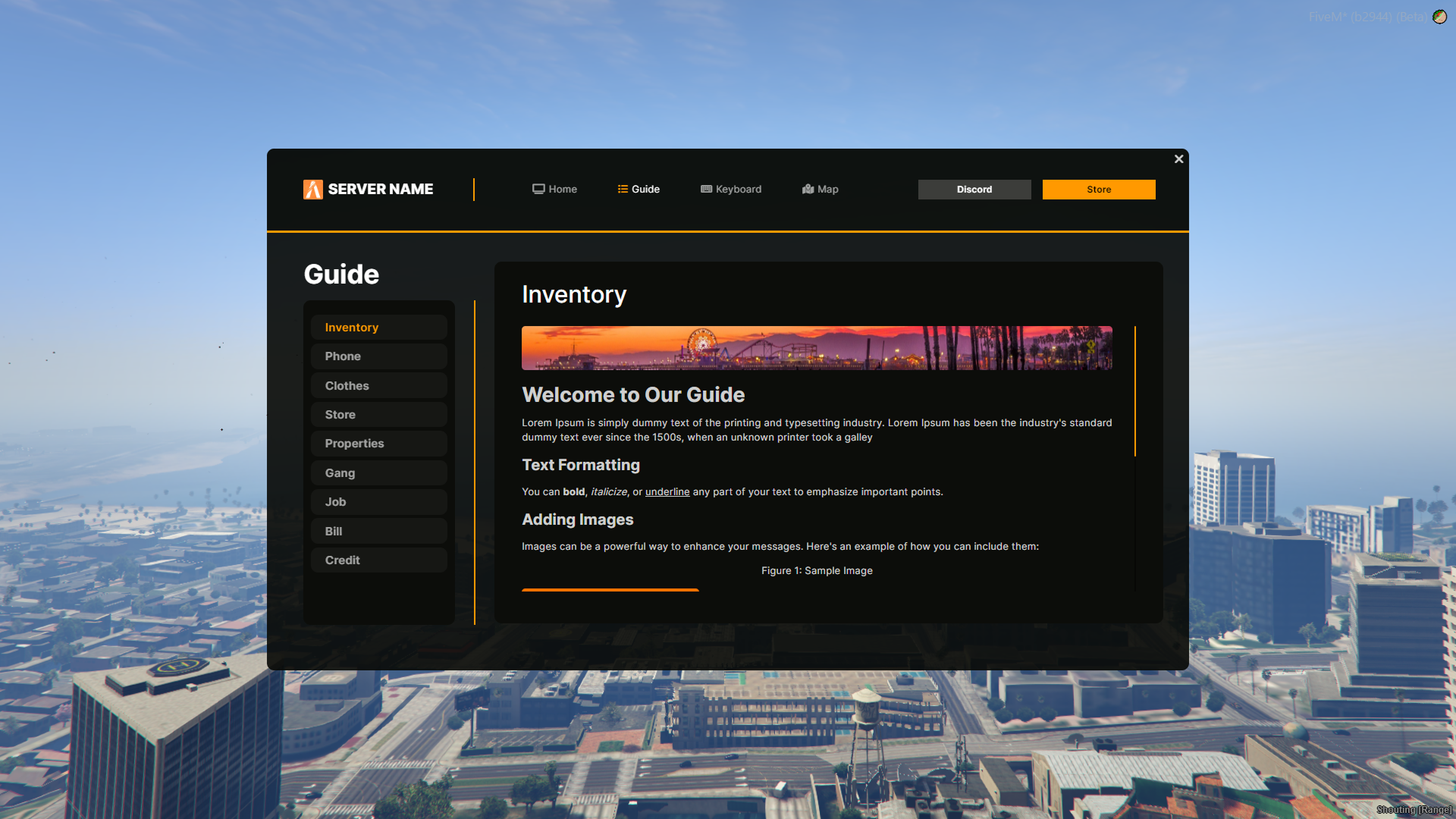
Welcome to Our Guide
Complete guide content with HTML support...

`
},
{
name: "Phone",
description: `Phone usage instructions...`
},
// Add more guide sections...
];
```
#### Keyboard Configuration
```javascript
// Key Descriptions
var highlightedKeys = {
'E': 'Interact with objects',
'F1': 'Open phone',
'F2': 'Open inventory',
'W': 'Move forward',
'Z': 'Move forward (AZERTY)',
// Add more key descriptions...
};
```
#### Map Locations Configuration
```javascript
// GPS Points
var mapTable = [
{
name: "POLICE",
description: "Central command for police operations.",
coord: { x: -557.92, y: -427.15 },
blipcolor: "#ff9900",
icon: "fa-location-dot"
},
{
name: "EMS",
description: "Emergency medical services.",
coord: { x: -1870.04, y: -357.16 },
blipcolor: "#ff0000",
icon: "fa-plus"
},
// Add more locations...
];
// Job Categories
var publicWork = [
{name: "N.S.P.D", status: "green"},
{name: "E.M.S", status: "red"},
// Add more public jobs...
];
var compagnyWork = [
{name: "Bennys", status: "green"},
{name: "LsCustom", status: "green"},
// Add more company jobs...
];
```
### 🎮 Usage
#### For Players
1. **Open Guide**: Use the configured command (default: not specified, check with server admin)
2. **Navigate Interface**: Use tabs to access different sections
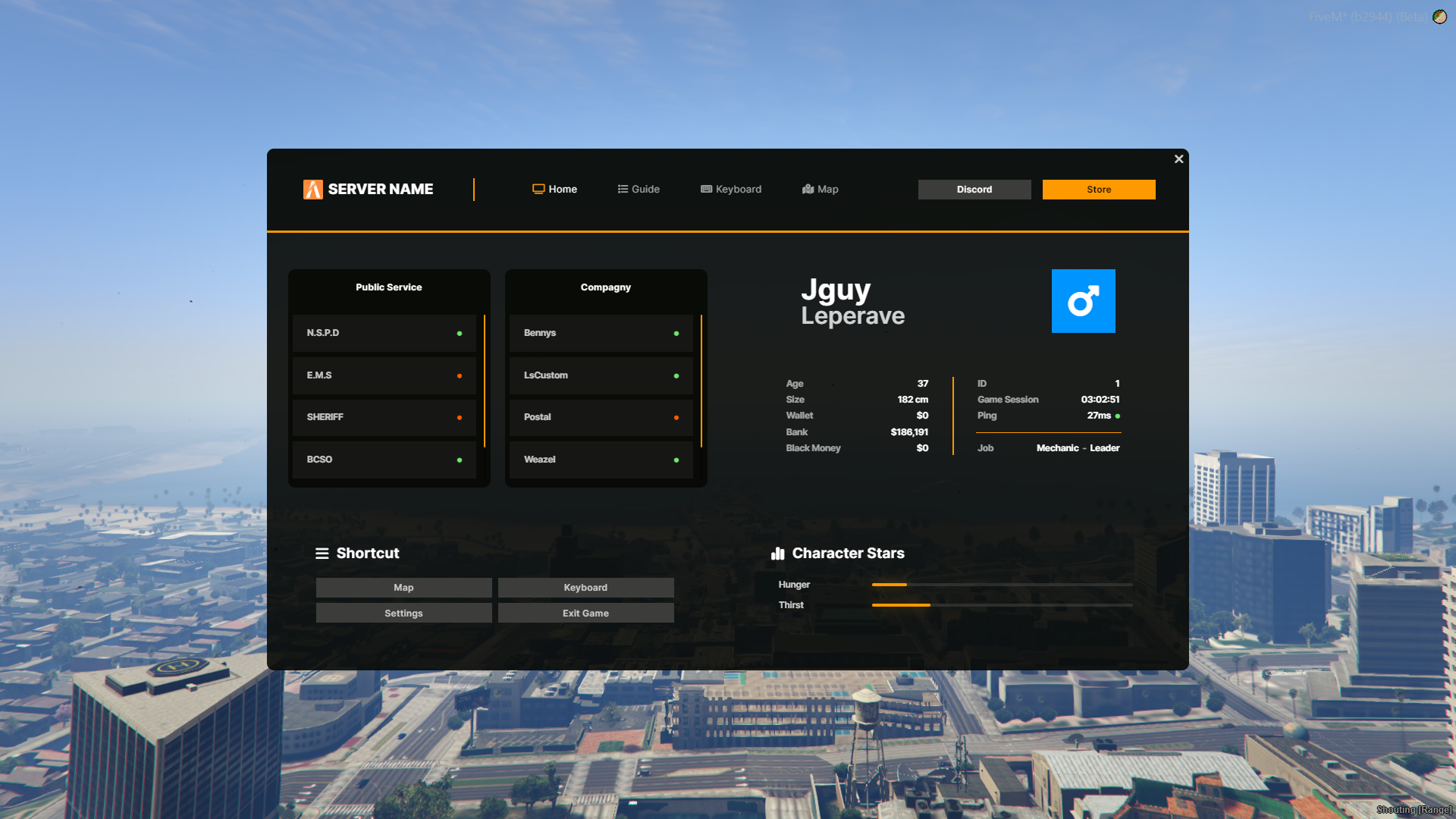
3. **View Information**: Check your stats, money, and character details
4. **Access Guides**: Read server-specific guides and tutorials
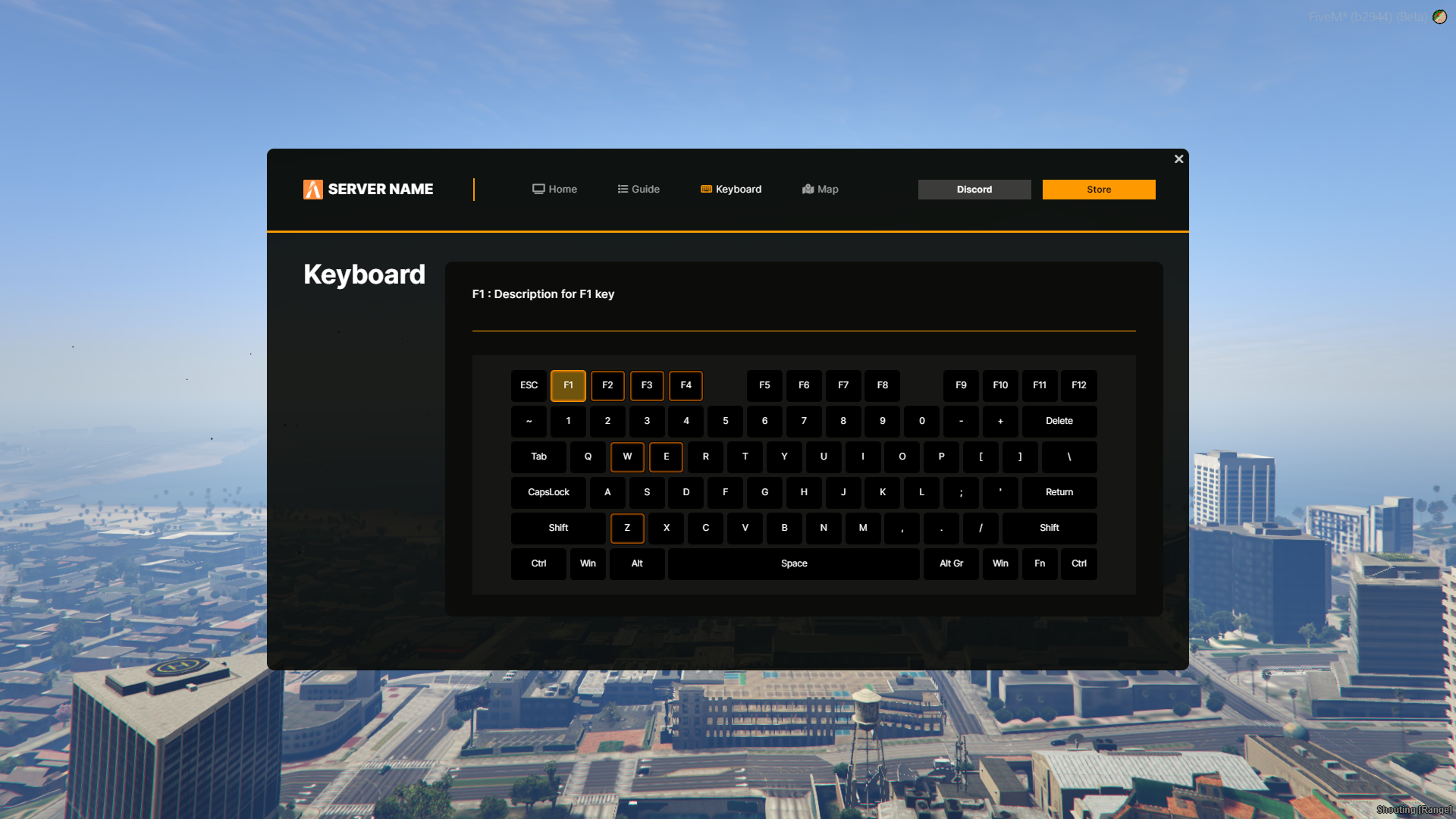
5. **Use Keyboard**: Learn game controls with interactive keyboard
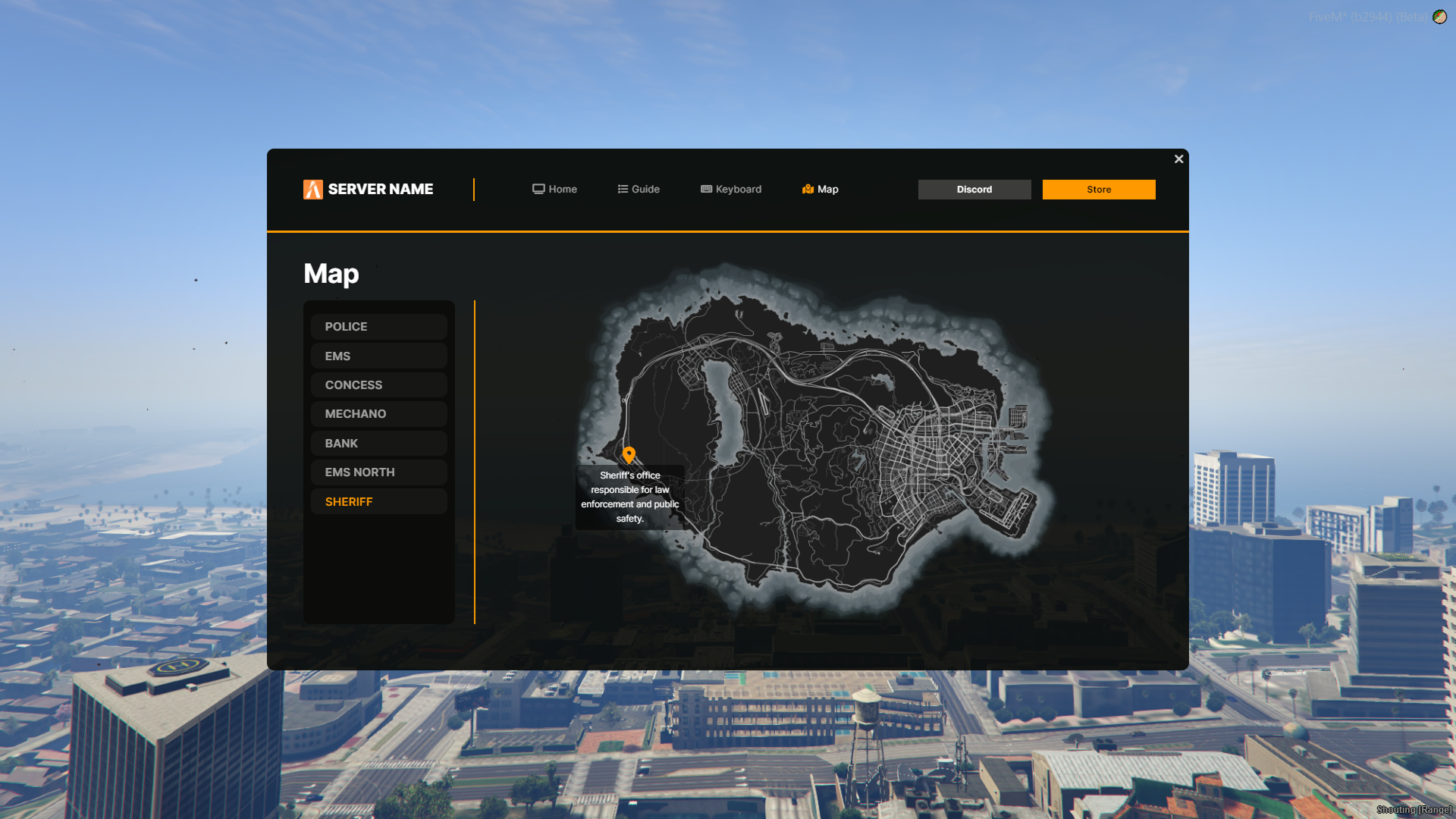
6. **Set GPS Points**: Click on map locations to set waypoints
7. **Quick Actions**: Access settings, map, and other game menus
#### Interface Sections
**🏠 Home/Dashboard**
* **Player Statistics**: Real-time hunger, thirst, and session time
* **Financial Summary**: Wallet, bank, and dirty money balances
* **Character Info**: Age, height, job, and server ID
* **Quick Actions**: Direct access to settings and menus
**📖 Guide**
* **Server Information**: Rules, tutorials, and game mechanics
* **Interactive Content**: HTML-formatted guides with images
* **Category Organization**: Logical grouping of information
* **Search Functionality**: Easy navigation through topics
**⌨️ Keyboard**
* **Visual Layout**: Full keyboard representation
* **Key Descriptions**: Hover over keys for explanations
* **Layout Support**: QWERTY and AZERTY compatibility
* **Learning Tool**: Perfect for new players
**🗺️ Map**
* **Location Database**: Pre-configured important locations
* **GPS Integration**: One-click waypoint setting
* **Category Filtering**: Public services, companies, etc.
* **Custom Icons**: Visual identification of location types
### 🛠️ Commands
* **Open Guide**: Configurable command (contact server admin for details)
* **Close Guide**: ESC key or close button
* **Quick Settings**: Direct access to game settings
* **Exit Game**: Clean logout with confirmation
### 🎨 Customization
#### Visual Customization
**CSS Styling: `ui/css/style.css`**
* **Color Schemes**: Modify color variables for branding
* **Layout Adjustments**: Customize spacing and sizing
* **Animations**: Modify transition effects
* **Responsive Design**: Adapt for different screen sizes
**Logo Integration**
* **Square Format**: Recommended for best display
* **File Location**: `ui/images/logo.jpg`
* **Size Optimization**: Keep file size reasonable for performance
#### Content Customization
**Adding Guide Sections**
```javascript
{
name: "New Section",
description: `